Features
Features of VectorAIStudio
A closer look at the main screens and focused tools that make up VectorAI Studio.
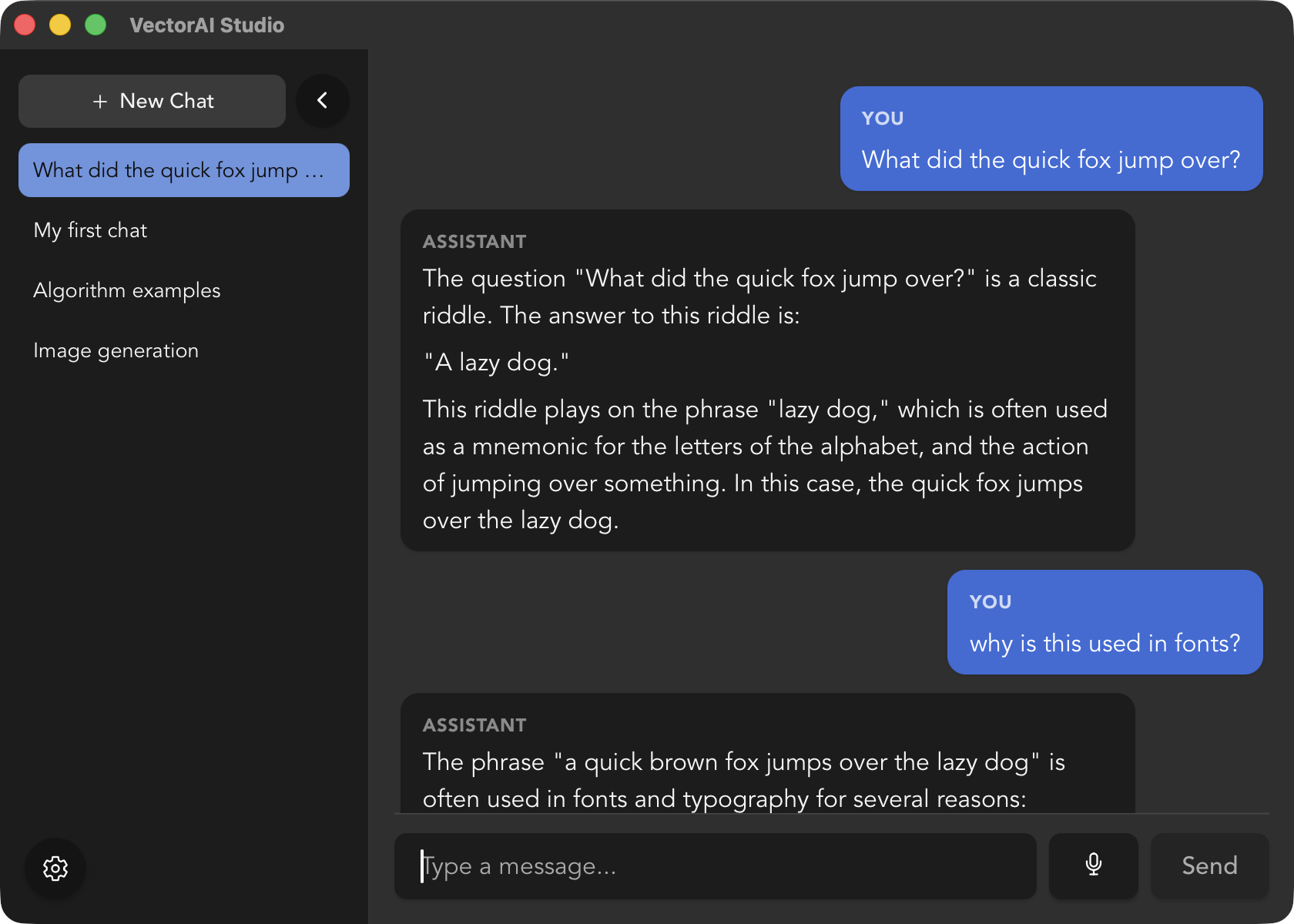
Intuitive, Modern User Interface
VectorAI Studio is designed to fill a larger screen naturally. Your conversation history, chat window, and model controls all fit comfortably together.
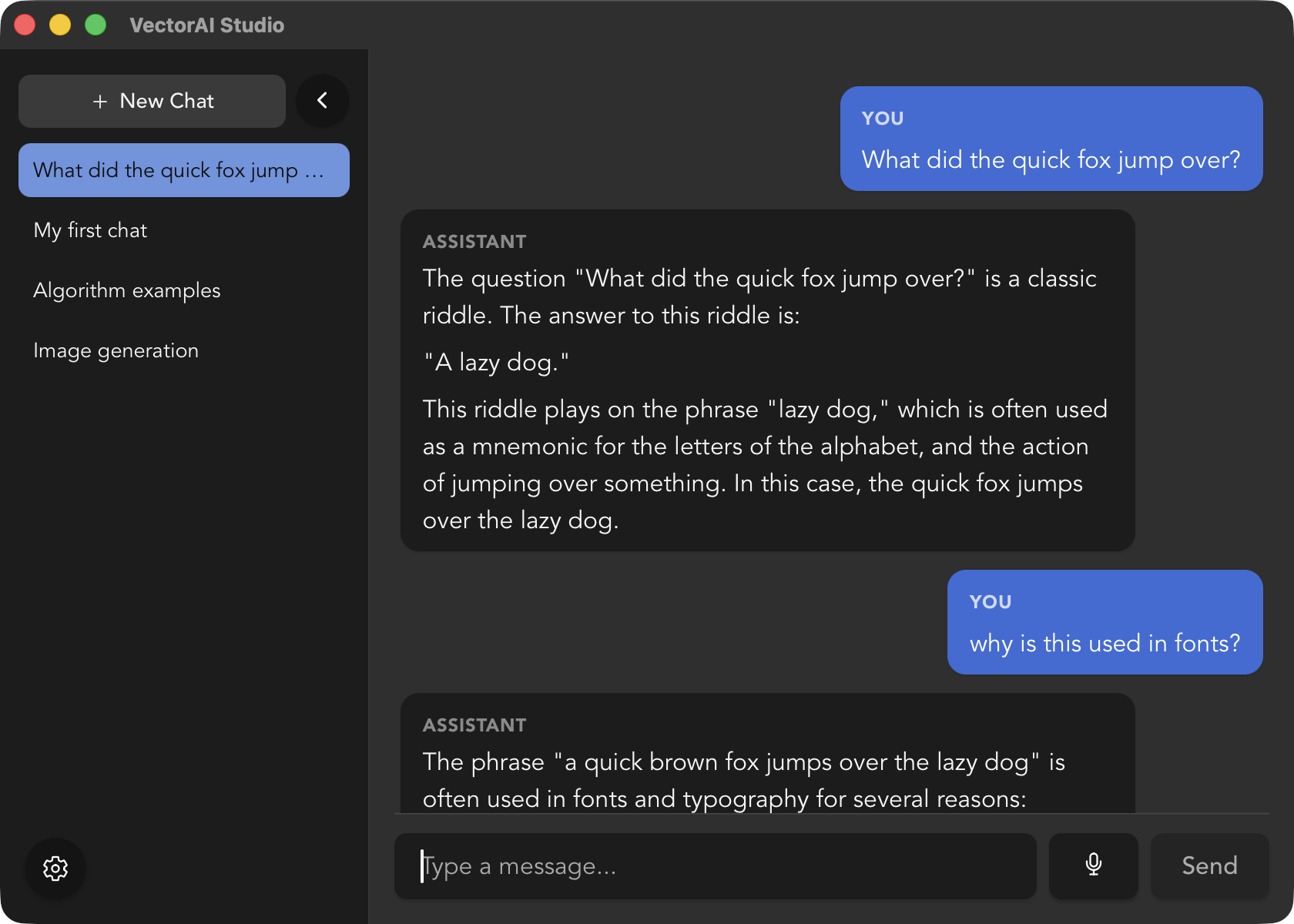
Browse and download popular open-source models right from the app, then switch between them whenever you like.
Generate Images Offline
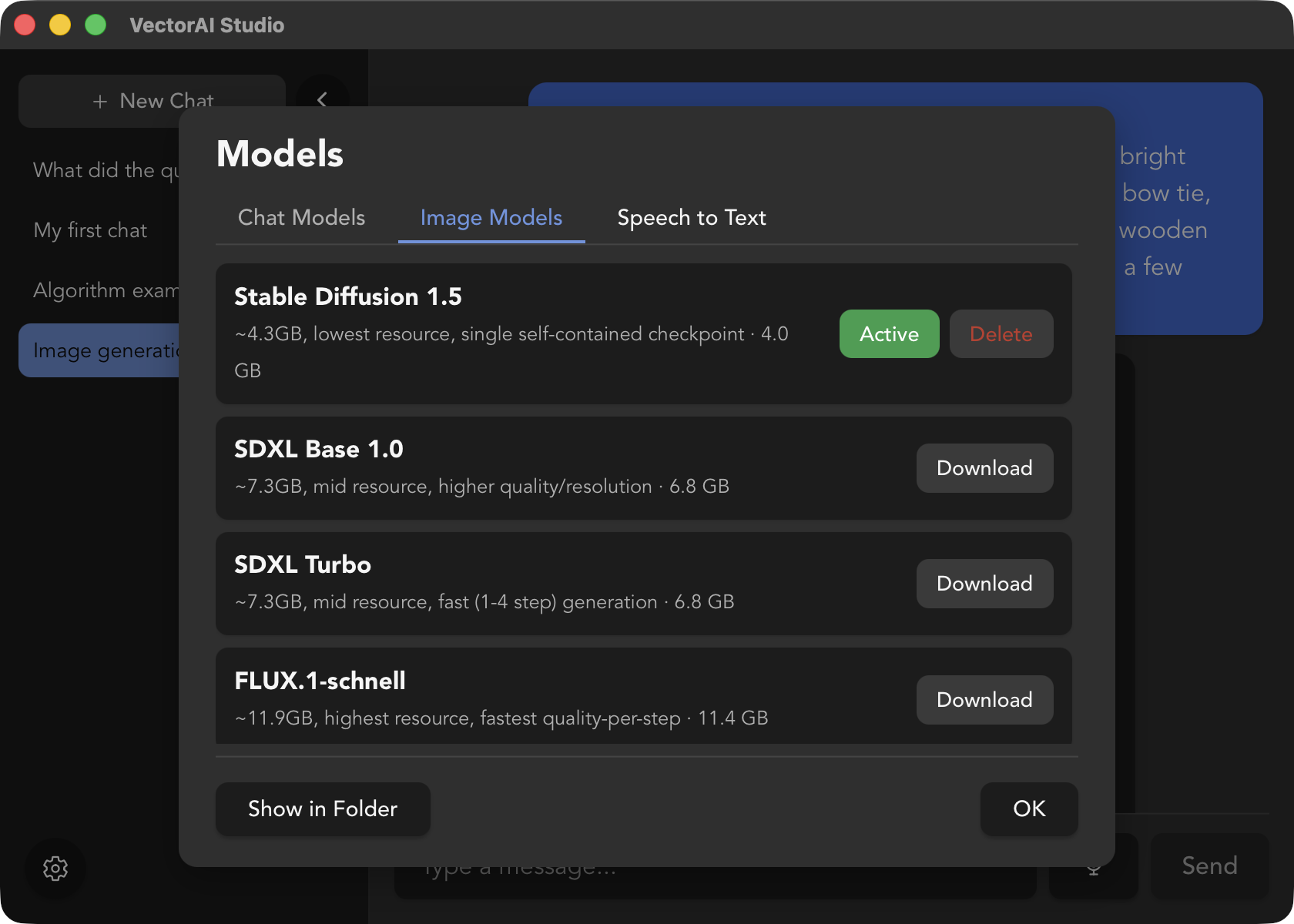
Turn a text prompt into an image without leaving the app or sending anything to the cloud. Download an open-source image model and start generating locally.
Generation runs entirely on your machine, alongside your chat models, so your prompts and results stay private.
Talk Instead of Type
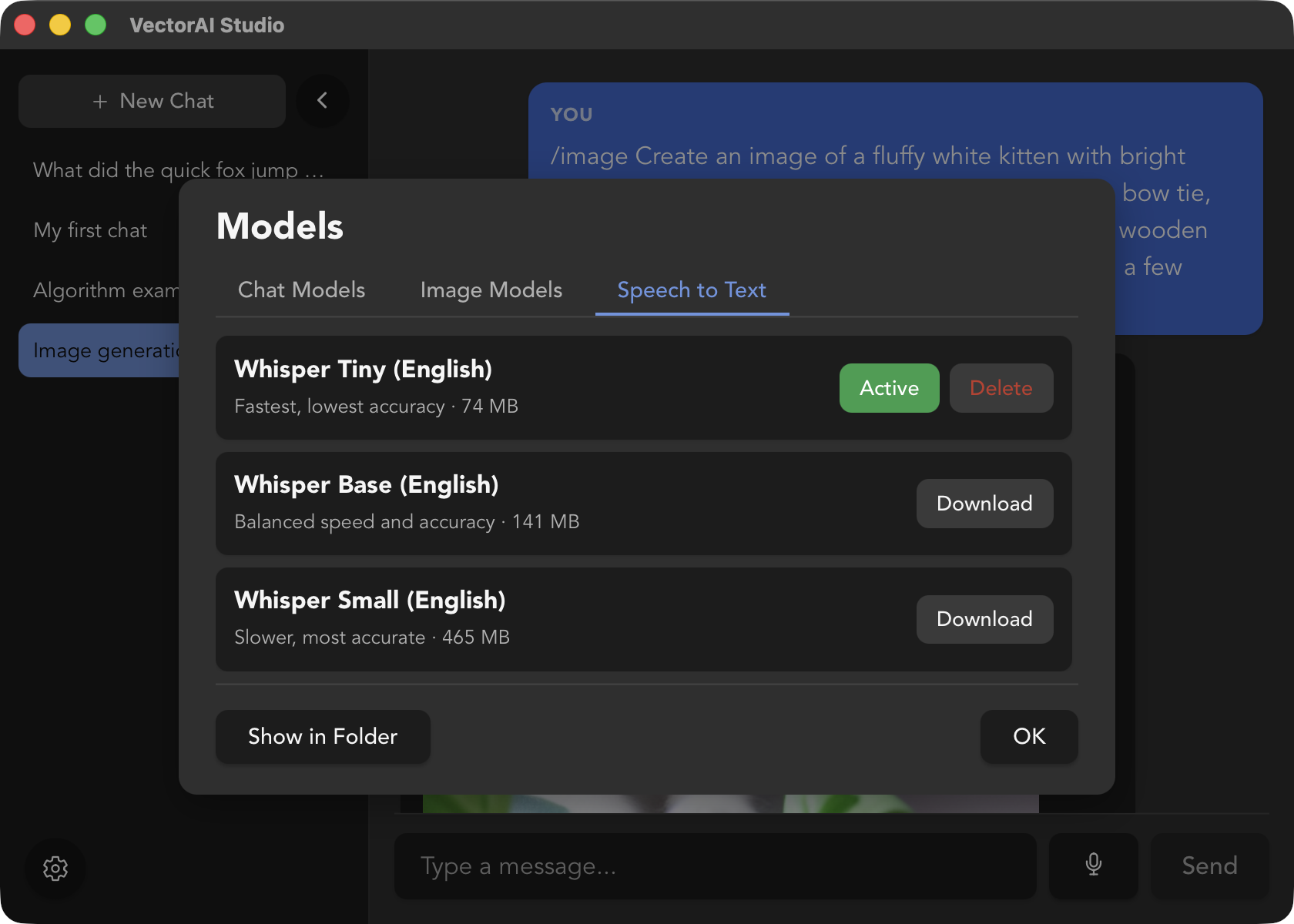
Dictate your messages instead of typing them. Speech is transcribed locally and dropped straight into the chat box.
Your voice never leaves your device: transcription runs offline, right alongside your downloaded models.
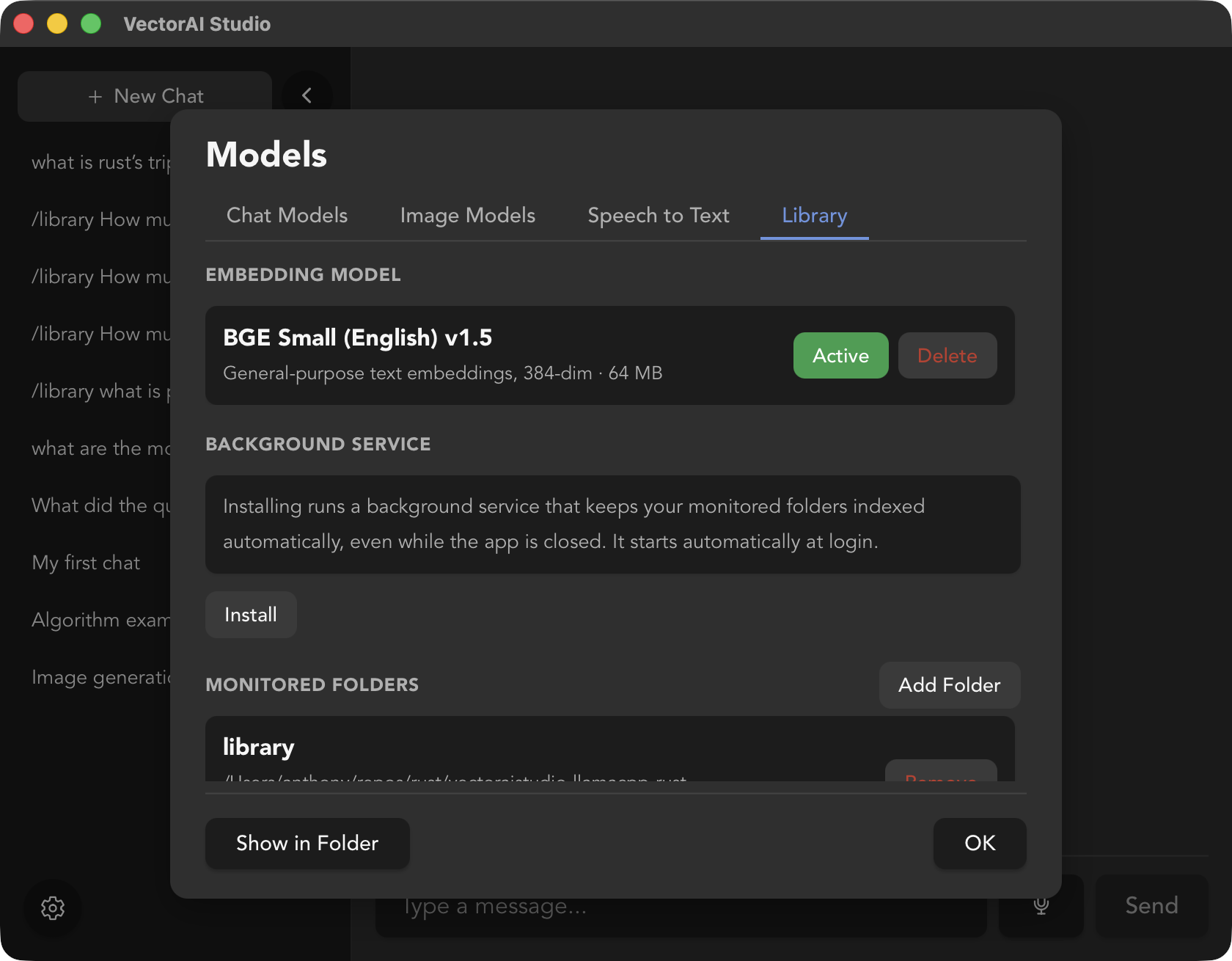
Chat With Your Own Documents
Add local files and let VectorAI Studio search them for relevant passages before it responds, so answers can be grounded in your own documents instead of the model's guesswork.
Indexing and retrieval run fully offline, right alongside your downloaded models. Your documents stay on your device for processing.
Chat in your style
VectorAI Studio adapts to how you like to work, with light and dark themes so the interface feels like part of your setup, not a separate window stuck in one look.
The theme follows your operating system's light or dark mode setting automatically.